How to Make a Scanned PDF Searchable

The Short Answer
A scanned PDF is really a photograph of a page, so although you can see the words, your computer cannot. You cannot search them, select them or copy them. To fix that you add a hidden text layer behind the image, and that is what makes a scanned PDF searchable. Swoosh reads every page and lays that text back over it, so the document still looks exactly like the original but now answers to Find. You can make a scanned PDF searchable here, free to try.
Why You Cannot Search a Scanned PDF
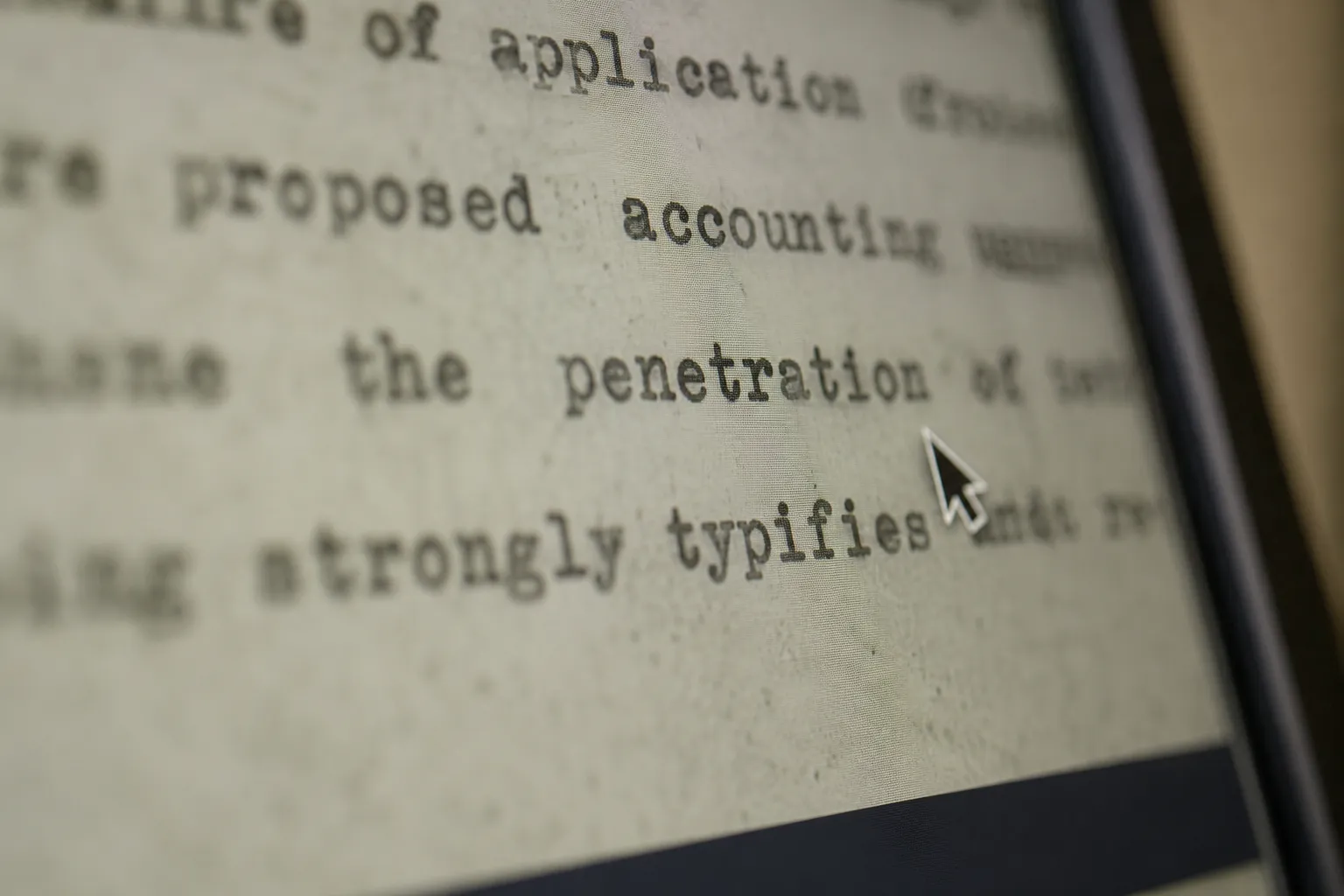
When a page goes through a scanner, or you photograph it, what you get back is an image. It is a faithful picture, but to the computer it is just pixels, with no idea that any of those marks are letters. That is why pressing Find returns nothing, why your cursor will not select a sentence, and why pasting it elsewhere gives you nothing at all. It is the usual story with scanned contracts, signed forms and older documents, the very files you most often need to search.
!A tight macro of a scanned page on screen, a photograph of text not crisp type
How to Make a Scanned PDF Searchable, Step by Step
1. Open the scanned PDF in the editor.
2. Let it read each page, turning the picture of the text into actual words behind the image.
3. Check the new text against the page where it matters most, a name, a figure, a date.
4. Export the PDF. It looks the same as before, but the words are now selectable and searchable everywhere you open it.
What Happens to Your File
To read each page, the image is sent to a model that does the reading, and we do not keep your images or use them to train anything. Scanned contracts and records are exactly the documents you want handled with care.
When It Helps Most
A searchable PDF is far easier to file, to quote from, and to send through any system that indexes text, and it can finally be read properly by assistive software. Once a document is searchable it behaves like every other file you own, rather than a picture you have to read by eye.
Ready to try? Make a scanned PDF searchable. Free to try.