Grandma's Recipe Box, Made Searchable
The Box on the Second Shelf
First, the promise: you can digitise handwritten recipe cards in an evening without giving up a single splattered original. Photograph each card, let Swoosh read the hand (margin notes, crossings-out and all), and keep a clean, searchable copy beside the photograph of the card. Then read on for how, and why it is worth keeping both.
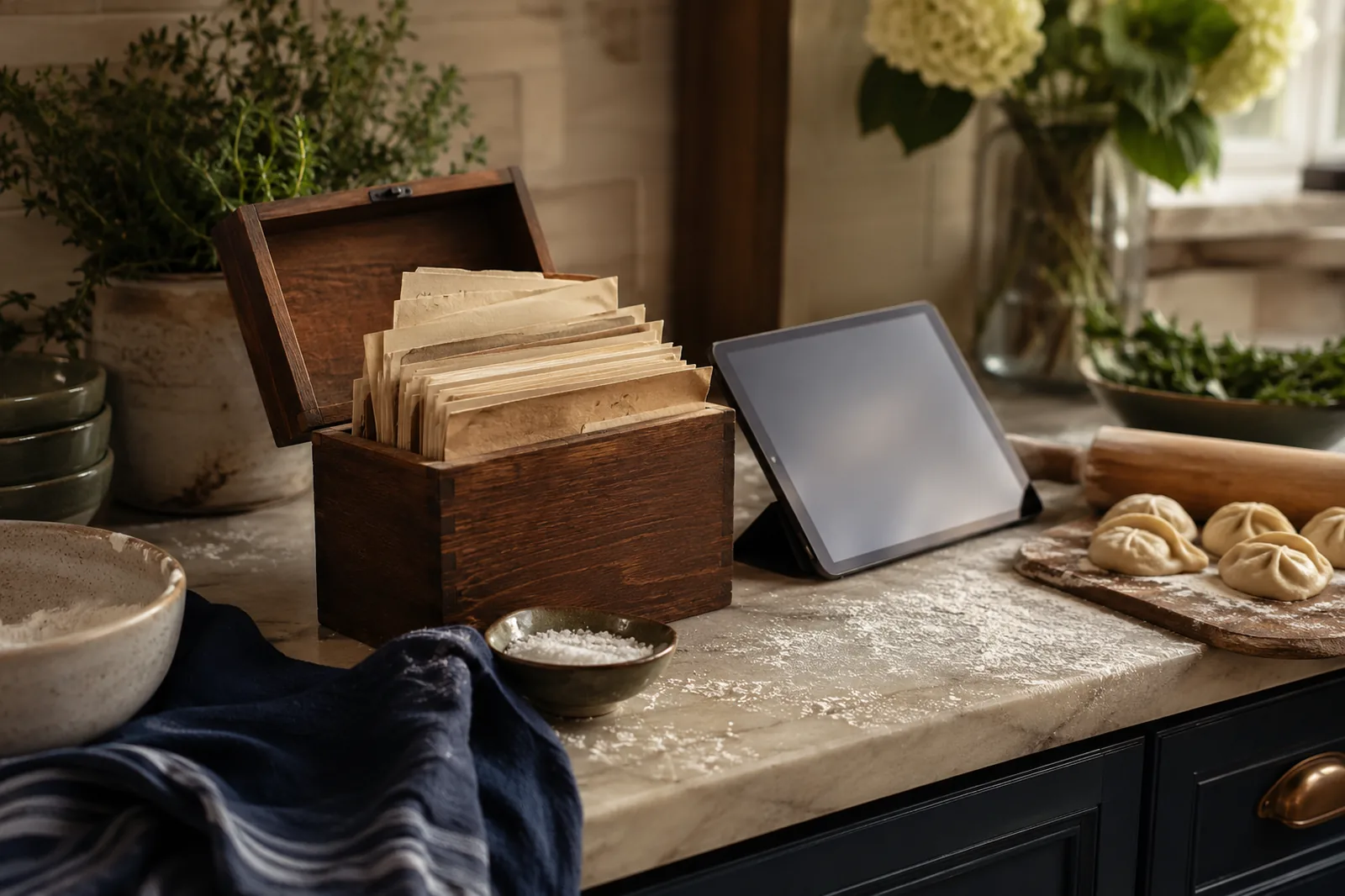
You know the one. A wooden box, or a tin, or an old shoe box softened at the corners, kept somewhere near the cooker. Inside are index cards, and the cards are not in any order anyone could explain. Some are in your grandmother's hand, some in your mother's, a few in a hand you do not recognise at all, copied from a neighbour one afternoon and never asked about again.
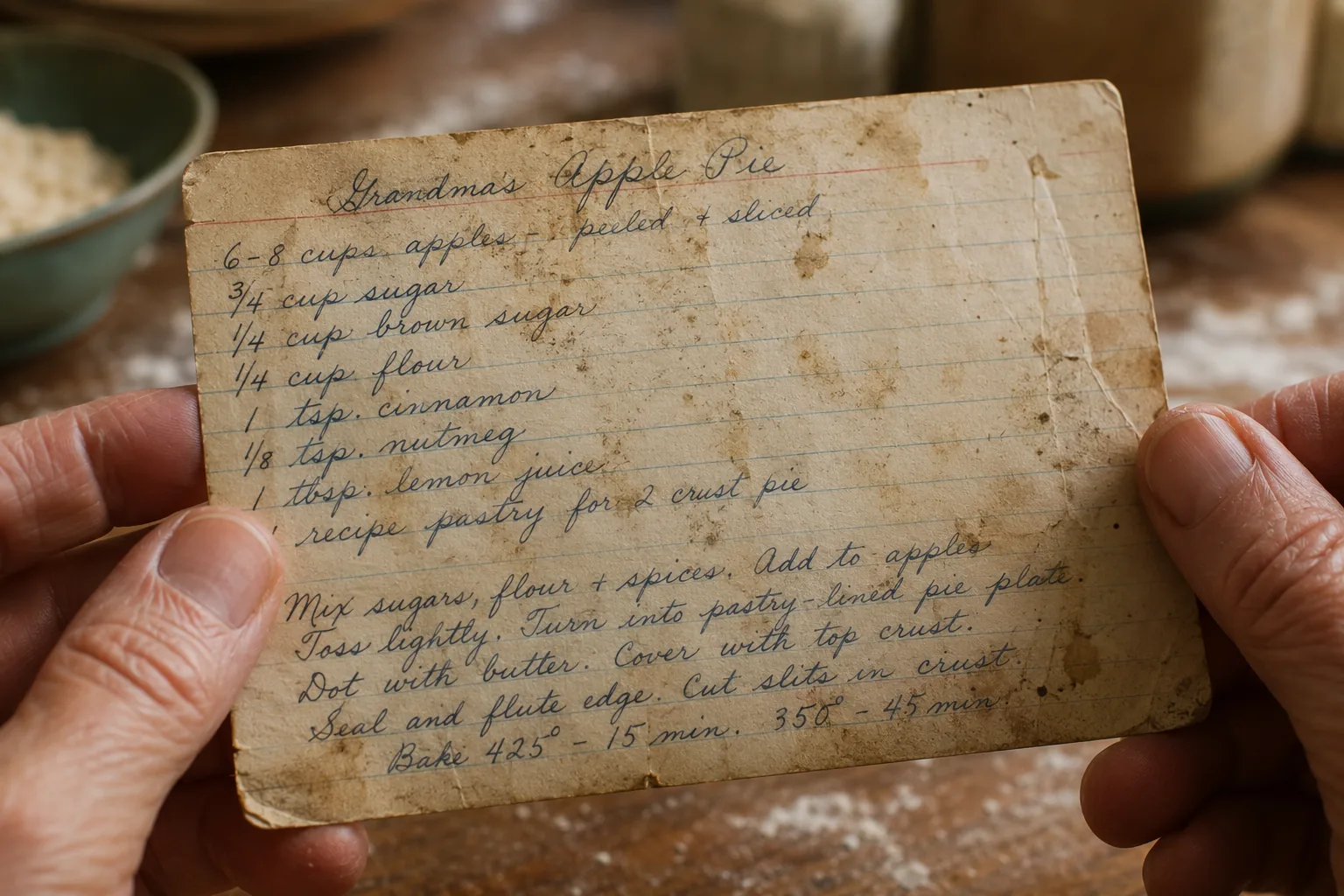
The cards are not clean. The good ones never are. There is a brown ring where a mug once stood, a smear of something that was probably butter, a faint dusting of flour worked so far into the paper it has become part of it. The best card in the box is usually the dirtiest. That is how you know it was loved.
This is about keeping all of that, every splatter and crossing-out, while also being able to find the gingerbread recipe in the time it takes to wash your hands.
Why Not Just Retype Them
You could, of course. Sit down one wet Sunday and type the lot into a document. People mean to. They almost never finish.
The trouble is that retyping is the dull part, and it quietly flattens the thing you wanted to keep. You type the words, but you lose the note in the margin that says too much ginger, halve it in your grandmother's tiny capitals. You lose the way she wrote a knob of butter and never once gave a weight. You lose her crossings-out, which were a kind of thinking on the page. A recipe in a beloved hand is not only a set of instructions. It is a small record of a person cooking.
So the aim is not to replace the card. The aim is to make a clean, searchable copy of what the card says, and to keep the photograph of the card right beside it, so nothing is thrown away.
How to Digitise Handwritten Recipe Cards
It comes down to four unhurried steps:
1. Find soft daylight, ideally a table by a window, and lay one card on a plain surface.
2. Fill the frame with the card and use your phone's ordinary camera, which keeps more of the detail in the ink.
3. Drop the photograph onto the handwriting tool and read the typed text beside the card, line for line.
4. Check anything flagged as unclear against the original, then export to a Word document and keep the photograph beside it.
Take the box somewhere with good light. A kitchen table near a window in the morning is perfect. You want soft daylight coming across the card from the side, not a hard lamp straight above it, which bounces off the glaze of old splatters and throws shadows into every crease.
Lay one card down on a plain surface. A clean tea towel, a wooden board, the bare table. Fill the frame with the card, leave a small margin all the way round, and hold the phone steady. Use the ordinary camera rather than a scanning app, because the native camera keeps more of the fine detail in the ink. Then do the next card. It takes less time than you would expect, and there is something rather nice about handling each one as you go, reading recipes you had forgotten were in there.
Then drop a photograph onto the handwriting tool and watch the clean, typed text appear next to the card, line for line. You read the two together. Where a word is genuinely unclear, a half-rubbed quantity, a flourish that could be a five or an S, it is flagged rather than guessed at, so you can glance back at the original and decide. You stay the cook. The tool does the patient work of turning a lifetime of cooking into something you can search.
A Collection, Not a Pile
Once a card reads cleanly, export it. For recipes, a Word document is the kindest format, because it leaves you room to add the things the card never said out loud.
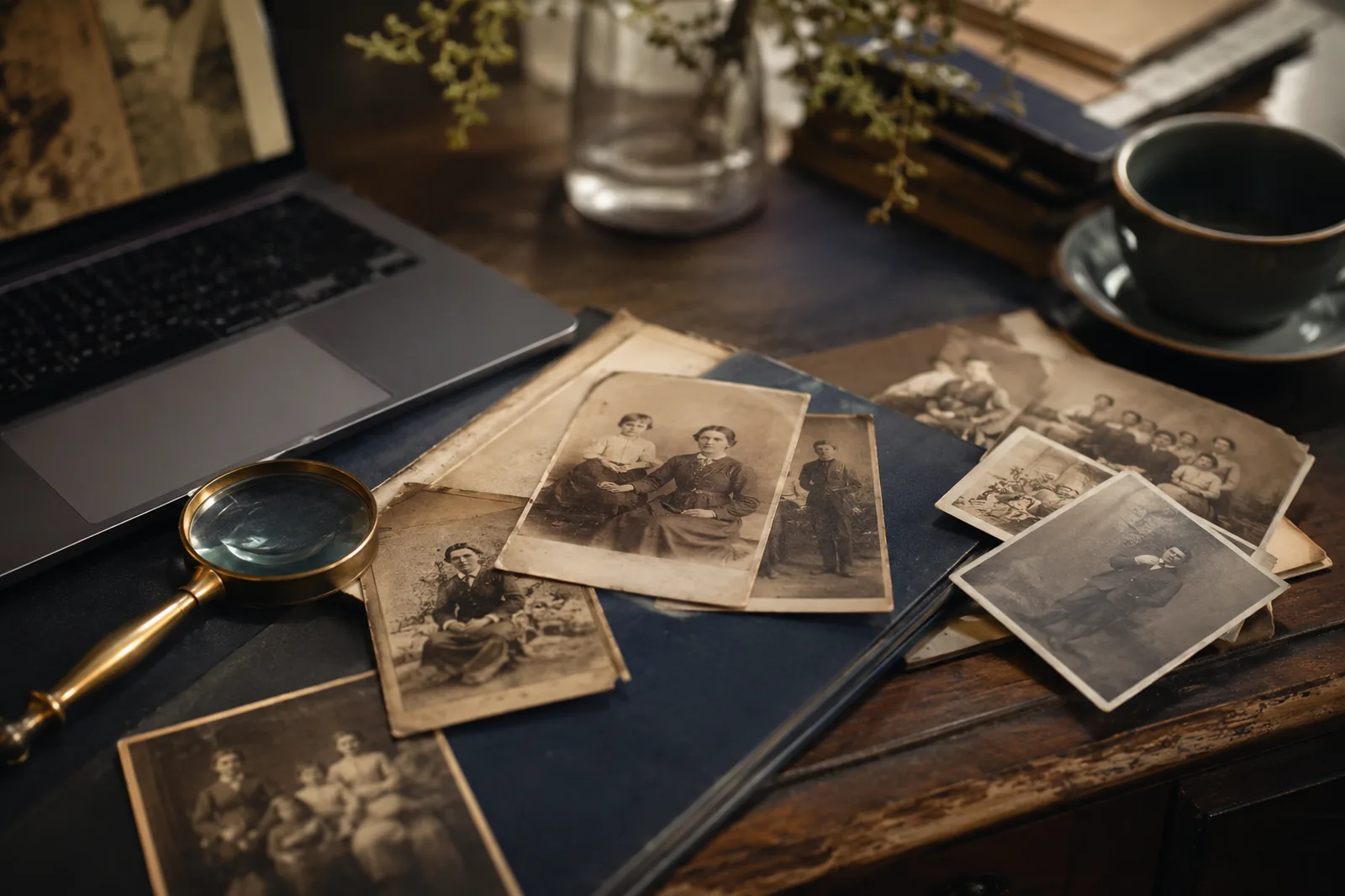
Type in the name everyone actually calls it, not the careful title written at the top. Auntie Pat's Christmas cake, not Rich Fruit Cake. Add a line about whose recipe it really was, and when you last made it, and the year it became the one you bring to every gathering. Keep the photograph of the original card in the same folder as the typed version, so the splattered paper and the clean words travel together from now on. Anyone who opens it later can read the tidy version and still see your grandmother's actual hand.
And then you have a collection. Search cinnamon and every recipe that uses it comes up at once. Find the one cake that takes three eggs and a Saturday. Send the shortbread to your sister, who has been asking for it for a decade, while the card itself goes safely back in the box on the second shelf, no longer the only copy in the world.
A Few Questions People Ask
Will it cope with old, messy cards?
That is exactly what it is built for. It reads handwriting, including the looped, joined, hurried sort, which is where ordinary scanning tools tend to give up. Stains and the odd grease mark do not throw it. Where something is honestly illegible, it tells you, so you can check the card rather than trust a guess.
Do I have to do the whole box at once?
Not at all. Do five cards while the kettle boils, the favourites first. It is free to read a handful at a time, and you can come back to the rest whenever you fancy. Most people find they keep going, because reading the old cards turns out to be the pleasant part.
Will the recipe still look like a recipe?
The export keeps the line breaks and the order, so the ingredients stay as a list and the method stays as steps. The shape of the recipe survives the move from card to screen. You can tidy a quantity afterwards if you like, but you do not have to touch a thing.
Ready to start with one card? OCR handwriting. Free to try.