The Paperless Desk: A Wharf Analyst's Morning
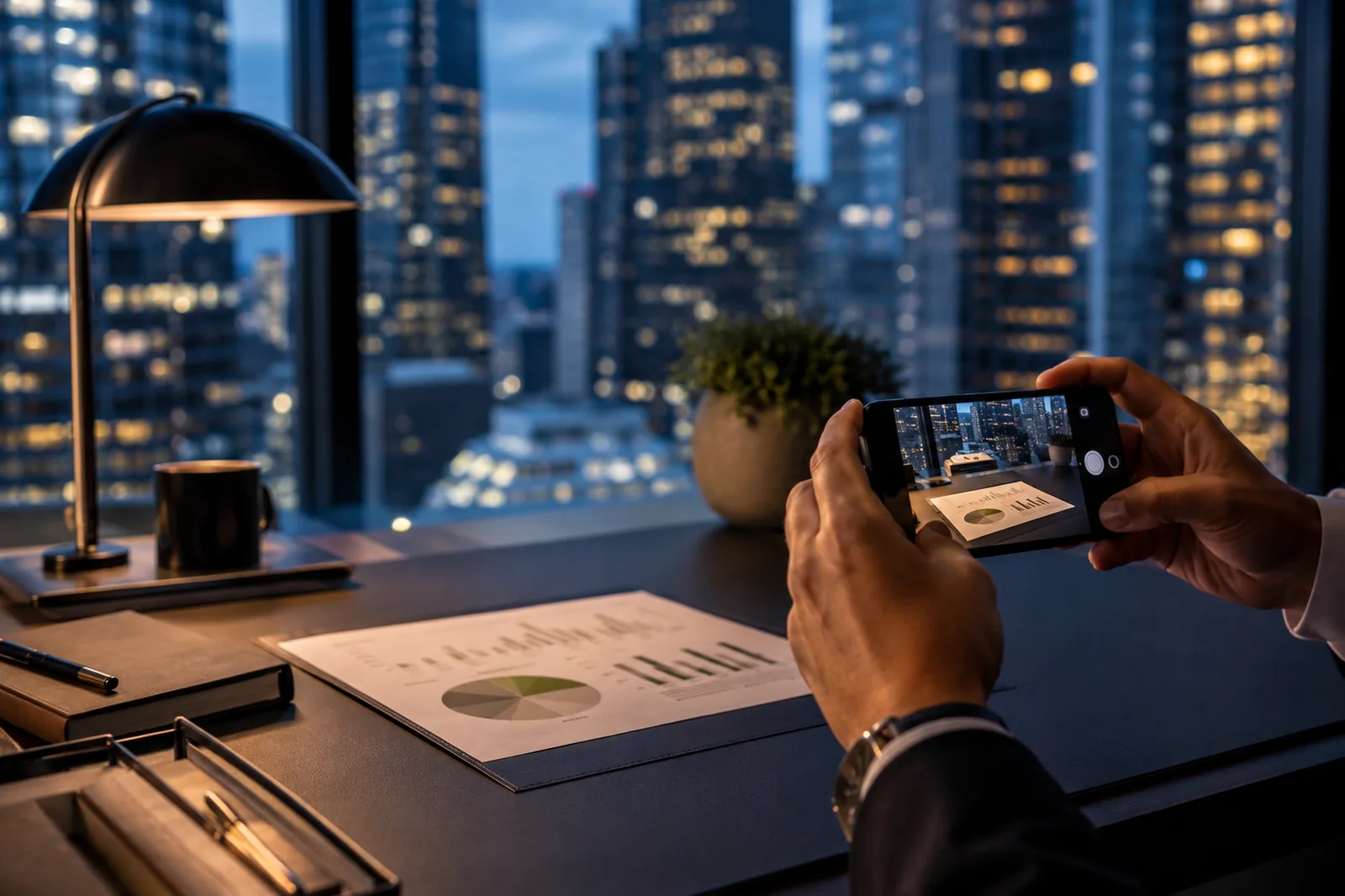
Three kinds of paper before the nine o'clock? A printed deck, a signed letter, a clutch of screenshots: Swoosh turns each into a clean, searchable file at your desk. Here is one analyst's morning with the paper tools, from full tray to empty before the floor fills up.
Quarter to Seven, Thirty-Fourth Floor
The lift opens onto a floor that is still mostly dark. Outside the glass the river is the colour of pewter and the towers across the water are coming on one window at a time. You like this hour. The desk is clean, the inbox is shallow, and for forty minutes the day belongs to you before it belongs to everyone else.
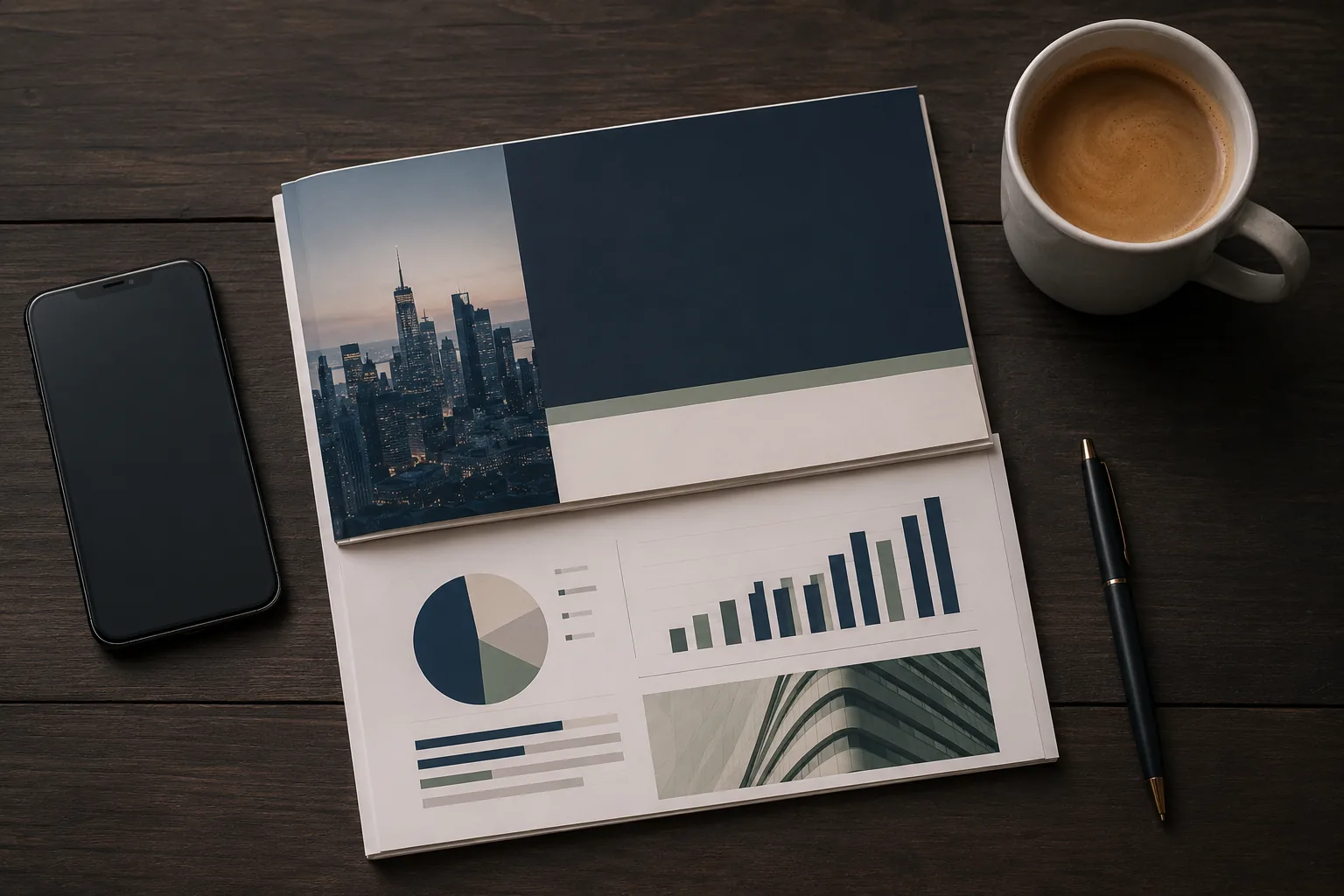
On the desk, though, is paper. There always is. A printed deck someone left in your tray overnight with a sticky note on the front. A signed letter that came up from the post room, the kind of thing that still travels on actual paper because a signature on it means something. And on your phone, from yesterday, a clutch of screenshots of a chart you needed and could not export. Three kinds of paper, none of it yet anything you can use.
The morning is about turning all of it into something searchable before the nine o'clock. Quietly, on your own, with a cup of coffee, while the building fills up around you.
The Deck, First
The printed deck is the obvious one. Forty pages of slides, dense with tables, the sort of document that is useful only if you can pull a figure out of it without retyping the figure.
You photograph it, page by page, flat on the desk in the cool morning light. The ordinary phone camera does this best; it keeps the small print legible in a way a scanning app tends to soften. Then you read the pages through the tool, the typed text appearing beside each slide, and where a column of figures is genuinely cramped it is flagged rather than fudged, so you can glance at the page and confirm it. The deck becomes a document you can search. The table on slide nineteen is now a table you can lift into a sheet rather than copy out by hand while the kettle goes cold.
This is the unglamorous heart of the morning, and the most useful thing you do all day. A printed deck is a wall. A searchable deck is a tool.
The Letter, and the Screenshots
The signed letter is a different problem. You want to keep it, file it, and be able to find it in a year by typing a name, but you also want the signature and the letterhead preserved exactly as they are. So you photograph it, read it into clean text, and keep the photograph of the original alongside the transcript in the same folder. The words become searchable. The paper, signature and all, is preserved as the thing it is. Both, not one instead of the other.
The screenshots are the small daily friction, the one everyone has stopped noticing. A chart you can see and cannot have. A table locked inside an image. You drop them onto the tables tool and the rows and columns come back as a grid you can actually work with, ready to drop into a spreadsheet. The two minutes you would have spent squinting and retyping, and the typo you would have made halfway down, both simply do not happen.
By twenty past seven the tray is empty. Three kinds of paper have become three searchable files in one tidy folder, and the originals that mattered, the signed letter especially, are safely kept beside them.
<p class="pull">A printed deck is a wall. A searchable deck is a tool. The whole morning is the distance between those two things.</p>
What Happens to the Paper
It is worth being plain about what happens to each document on a desk like this one.
A signed letter is confidential. A draft deck is market-sensitive long before it is anything else. To read a page, its image is sent to a model that does the reading, and we do not keep your images or use them to train anything. The ordinary paper jobs, the merging and splitting and converting, run in your browser and are not uploaded at all. It is worth knowing which is which when the paper is the firm's and you are at your desk before anyone else is even in.
So that is the morning. Not dramatic. A coffee, a clean desk, the river going from pewter to gold outside the glass, and a small stack of paper turning quietly into files you can search. By the time the floor is full and the nine o'clock starts, you are not the one rummaging for a figure. You are the one who already has it open.
A Few Questions People Ask
Does it keep tables from a printed deck intact?
Yes. A table read off a slide comes back as rows and columns you can take into a spreadsheet, rather than a block of run-together text. Where the original print is genuinely cramped, the unclear cell is flagged rather than guessed, so you can confirm it against the page.
Is it safe to do this with confidential documents?
The ordinary paper jobs, merging, splitting and converting, run in your browser and are not uploaded. Reading is different: to turn a page into searchable text, its image is sent to a model that does the reading, and we do not keep your images or use them to train anything.
Can I do everything in one place?
Yes. Reading handwriting and print, pulling tables out of screenshots, and the ordinary paper jobs of merging, splitting and converting all live together, so a morning like this is one workflow rather than five different sites.
Clearing your own desk before the first meeting? All paper tools. Free, in your browser.