How to Send a File Too Big for Email

The Short Answer
If your file is too big to email, you do not need a bigger inbox. You need a link. Instead of attaching the file, you upload it once and send a link that the other person clicks to download. Swoosh lets you send a file up to 5GB free, with an encrypted link that expires on a schedule and no account to get started.
Why Email Will Not Send a Large File
Email was never built to carry big files. Most providers refuse anything much above twenty-five megabytes, and that ceiling has barely moved in years. A single photo set, a short video, a design export or a folder of scans sails straight past it, and the message bounces back before it has even left your outbox. The limit is not your connection or your patience. It is a rule baked into email itself, and no amount of waiting will talk it round.
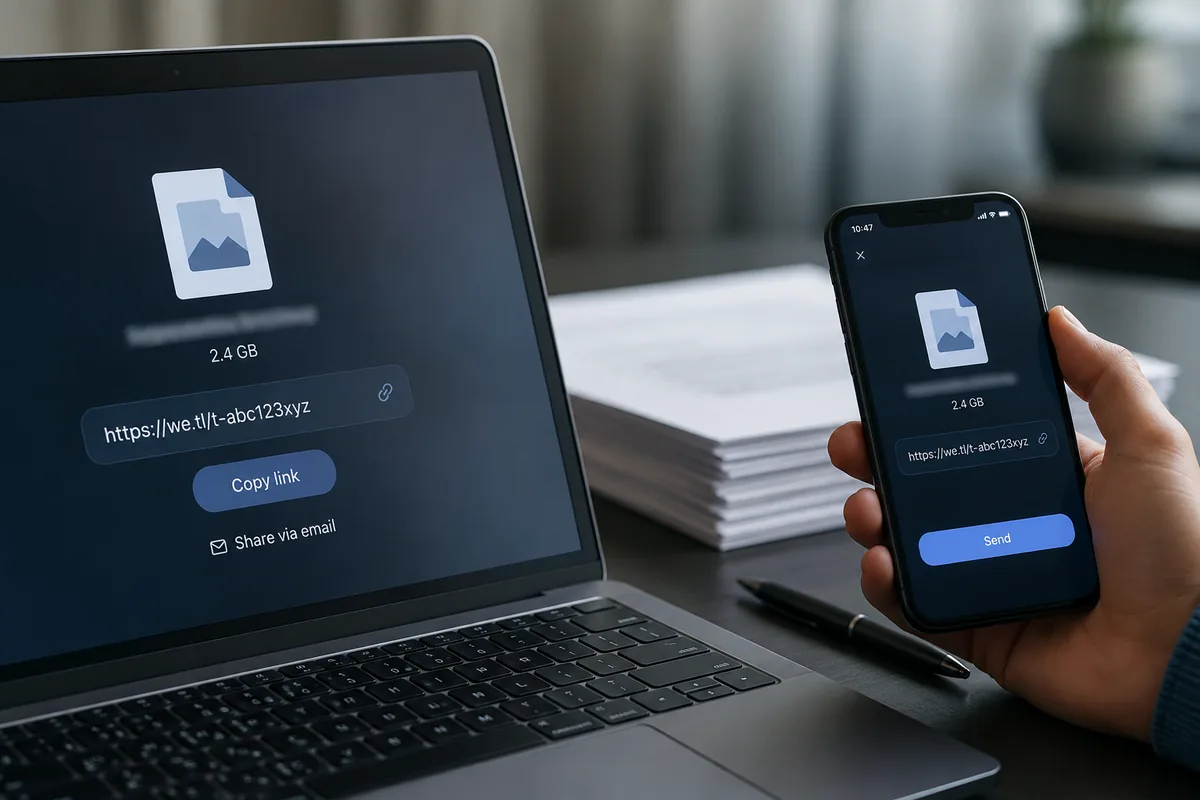
!A bounced email beside a laptop showing the same file ready to share as a link
How to Send a Large File, Step by Step
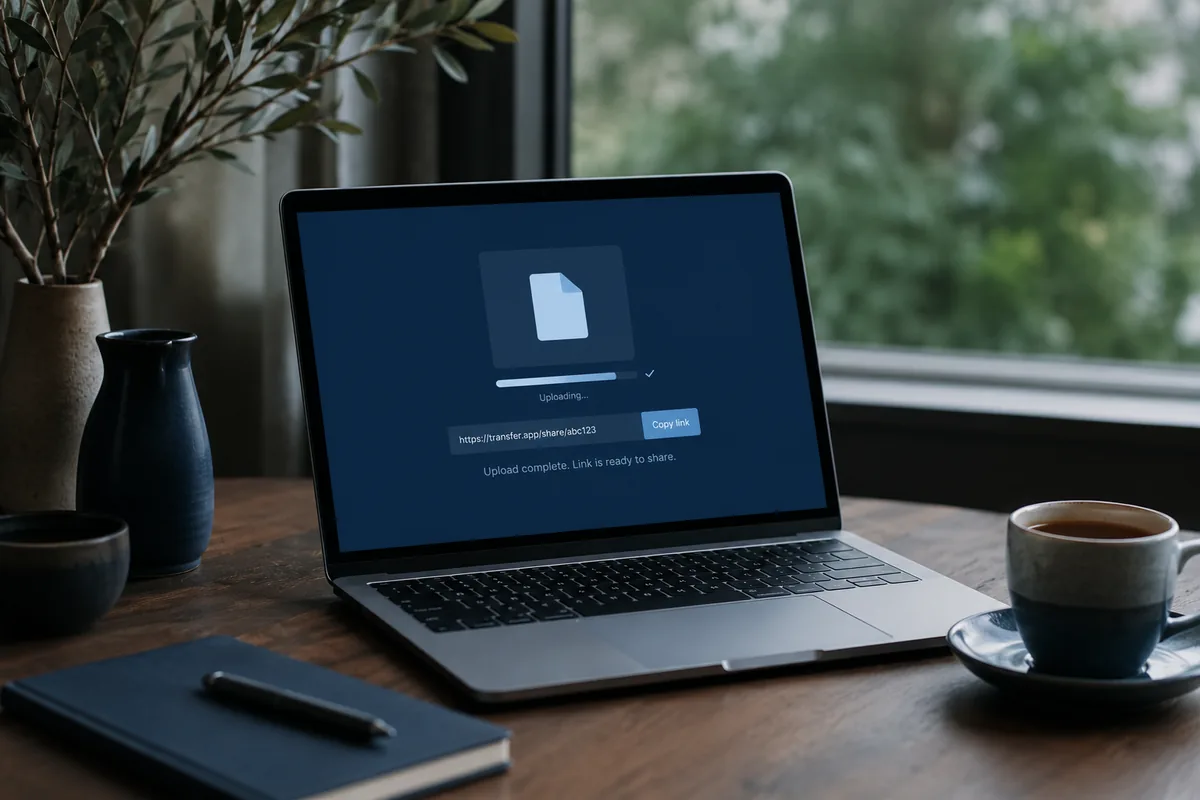
1. Open the transfer page and drop your file in, or choose a folder. It stages in the browser, so nothing leaves your device yet.
2. Add the recipient's email, or simply create a link to paste wherever you like.
3. Set how long the link should live, then send. The file is encrypted as it uploads.
4. The other person clicks the link and downloads, on any device, with nothing to install.
What Happens to Your Files
Your file is encrypted in transit and at rest, and the link expires on the schedule you set, after which the file is removed. Nothing is kept beyond that window, and nothing you send is ever used to train anything. A transfer should feel like handing someone a sealed envelope, not posting a copy you can never get back.
When a Link Beats an Attachment
Once you have sent one file this way, the old habit starts to look strange. A link does not bounce. It does not clog the other person's inbox. It lets you see when it has been opened, swap the file without resending, and set it to disappear when the job is done. For anything heavier than a document, a link is simply the calmer way to send it.
Ready to try? Send a file free, up to 5GB. No account needed.