Sending Rushes Without the File-Size Fight

The Short Answer
Footage is heavy, and the people waiting for it are usually not technical. The trick is to make the file their problem for one click only. Upload the cut once, send a link, and let them download it on whatever they are sitting in front of. You can send video up to 5GB free, or far more on a plan, with a link that expires when the job is done.
Why Footage Breaks the Usual Channels
A few minutes of graded video, a folder of rushes, a ProRes export, and you are already well past anything email or a chat app will carry. So the file gets squeezed, split into parts, or uploaded to a drive the client then cannot find. Every one of those workarounds adds a step where something goes wrong, and footage is the worst kind of file to have go wrong. It is large, it is the work itself, and the deadline is usually today.
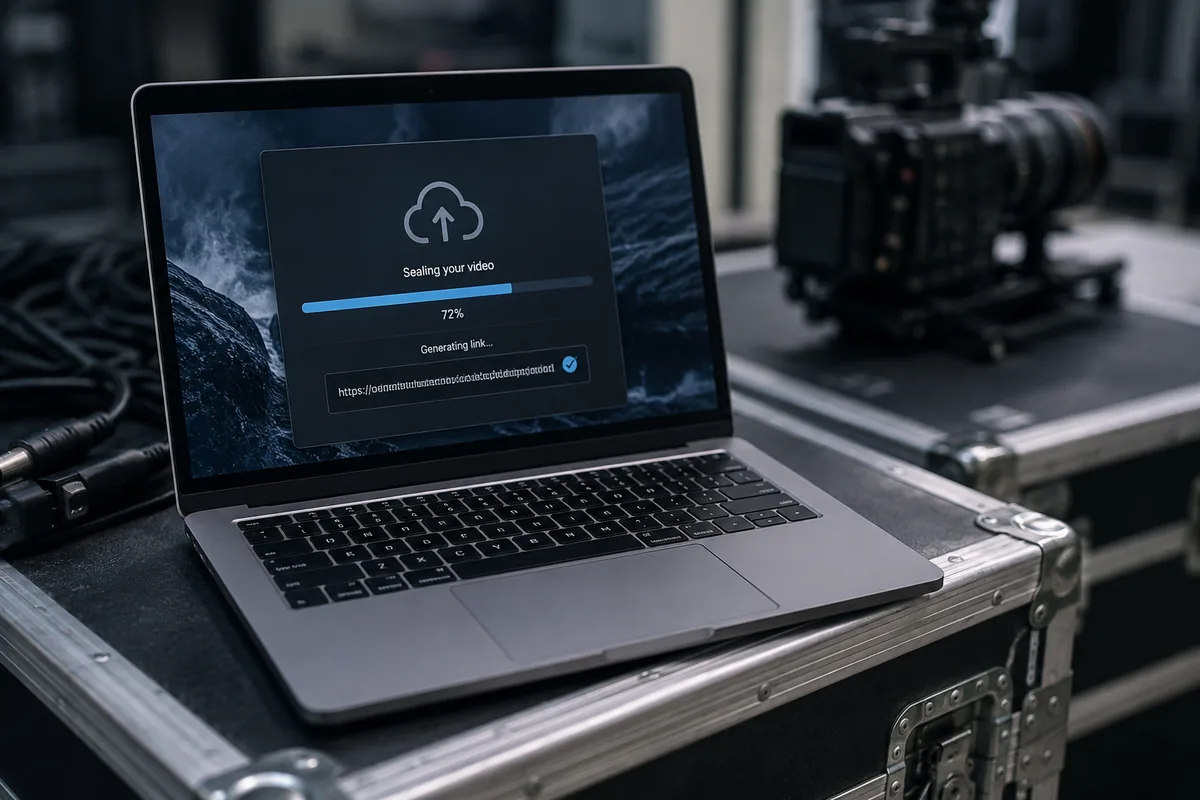
!A laptop on a studio desk showing a video file sealing into a single shareable link
How to Deliver a Cut, Step by Step
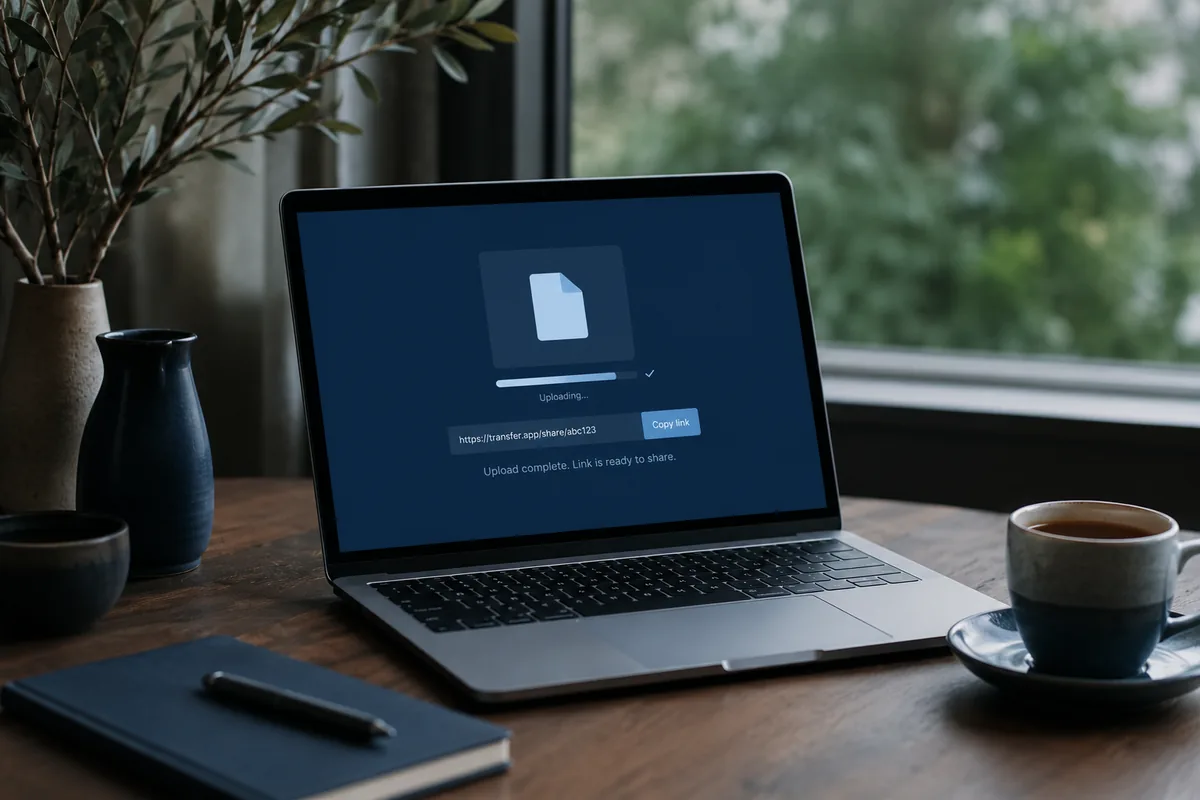
1. Drop the export or the whole folder in. It stages in the browser while you add the details.
2. Add the client's email, or make a plain link to drop into your usual message.
3. Choose how long it should stay live, then send. Each file is encrypted as it uploads.
4. The client clicks and downloads, full quality, no account, no app.
Seeing It Land
The quiet relief of delivery is knowing it arrived. Download tracking tells you the moment a client opens the link, so the "did you get it?" email never has to be sent. If you spot a wrong export after the fact, you can swap the file without sending a fresh link, and set the whole thing to expire once the round of feedback is in.
What Happens to Your Footage
Your files are encrypted in transit and at rest, and the link expires on your schedule, after which they are removed. Nothing is stored beyond that window, and nothing you send is used to train anything. Your cut stays your cut.
Ready to send? Deliver a cut, free to start. Up to 5GB with no account, more on a plan.